
Adobe Lightroom vs. Apple Photos: Which is better?
One of the things I’ve been not getting around to doing is figuring out how I want to manage transferring iPhone images from Apple’s Photos app into Lightroom. When I’m looking for images for a project, it’s the Lightroom catalog that I search (unless it’s something like a screen capture), and I like having my “serious” images in a separate catalog from my “fun/casual: stuff. I’ve tried a few different techniques in the past, and I wasn’t really happy with any of them.
I’ve ended up keeping it simple. I created three albums in Photos:
Images to send to lightroom
Images ready for Lightroom
Images sent to Lightroom
I can just add any image I want to transfer to the first album and then some time later do the actual transfers in a batch. The transfer from the first to the second folder happens after I do the processing I plan to do in Photos (if any), and then when I have transferred them, they move to the third folder so I can track what’s already been sent and hopefully not try to process and transfer them more than once.
So, the open question is this: do I process the images in Photos and then transfer them to Lightroom for cataloging, or do I transfer the unprocessed files to Lightroom and then process and catalog them? This clearly called for a test.
For this test, I did both: I selected 17 images I like from the iPhone and exported the unprocessed HEIF/RAW files to a folder on the disk. I then did a full processing in Photos, and then exported those as JPEGS at full size with maximum quality. Those images are below. One column are the Apple Maps processed versions, and one the Lightroom versions.
Please note: there are some artistic differences in a few images — I did not try to duplicate the image in both places, although in most cases they are quite similar, but in na couple I chose to do things a bit differently (and I like both versions). In two cases I ran into something in Lightroom that caused me to have to change the image a bit; one involved the second image below (but if I explained it it’d give a hint which is which), and with one of the northern light images, the colors got very blotchy in Lightroom and it took me a bit of time to sort that out (it turns out to be a combination of over-saturated colors and the texture/clarity settings).
In one image I cloned out an image, while in the other version I cropped instead. Other than that, I used no masks, and no generative/removal features. I kept things as simple as possible to make the test comparable. In all but the two cases noted above, each image was processed in about the normal time I spend on an image on both versions and the time spent processing was about normal for me. Both versions were exported from Lightroom as PNGs with the same parameters for upload to this article to make sure they rendered here as similarly as possible.
Can you tell which set of images came from which app? Check below for the spoiler, and my thoughts on the results.
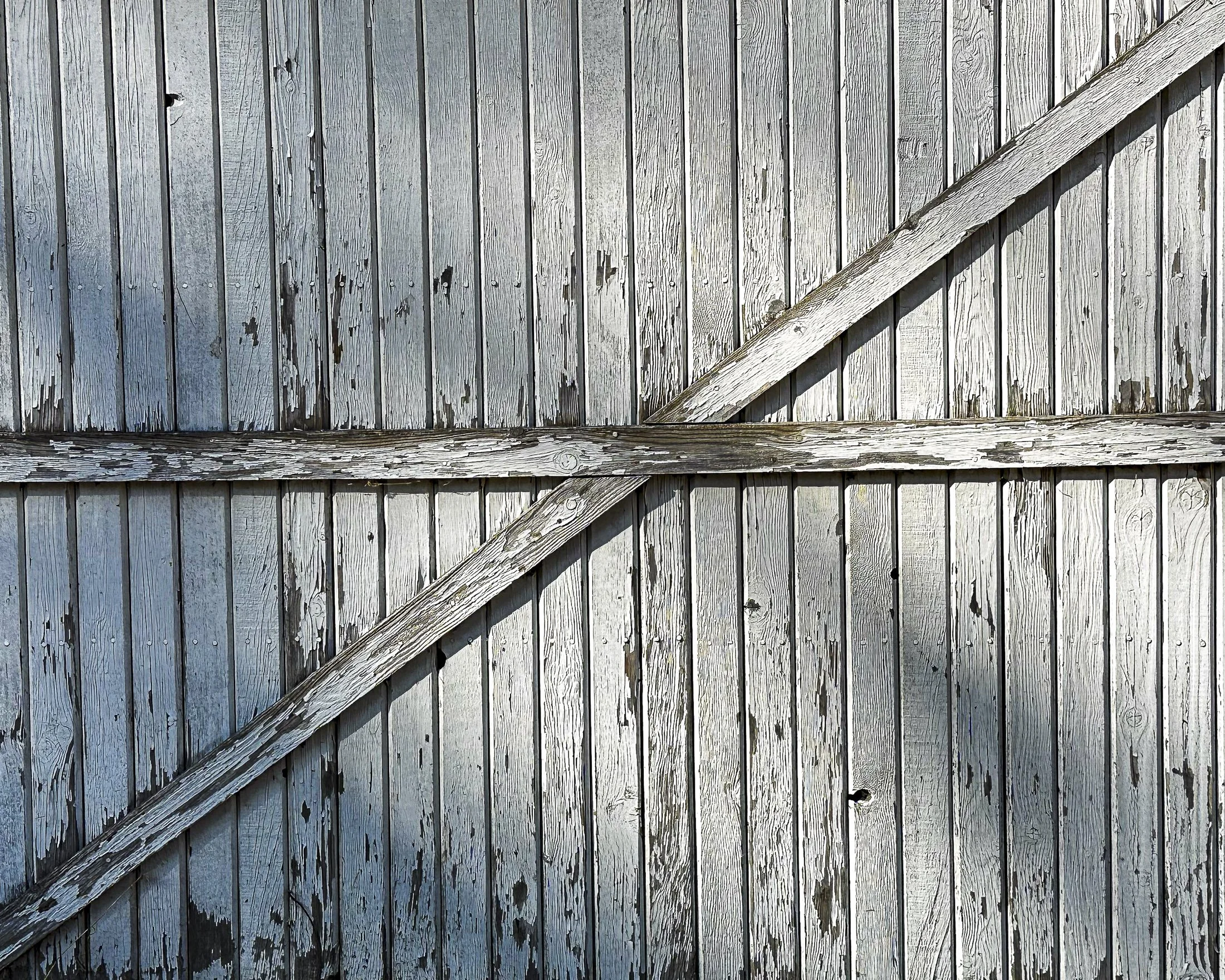
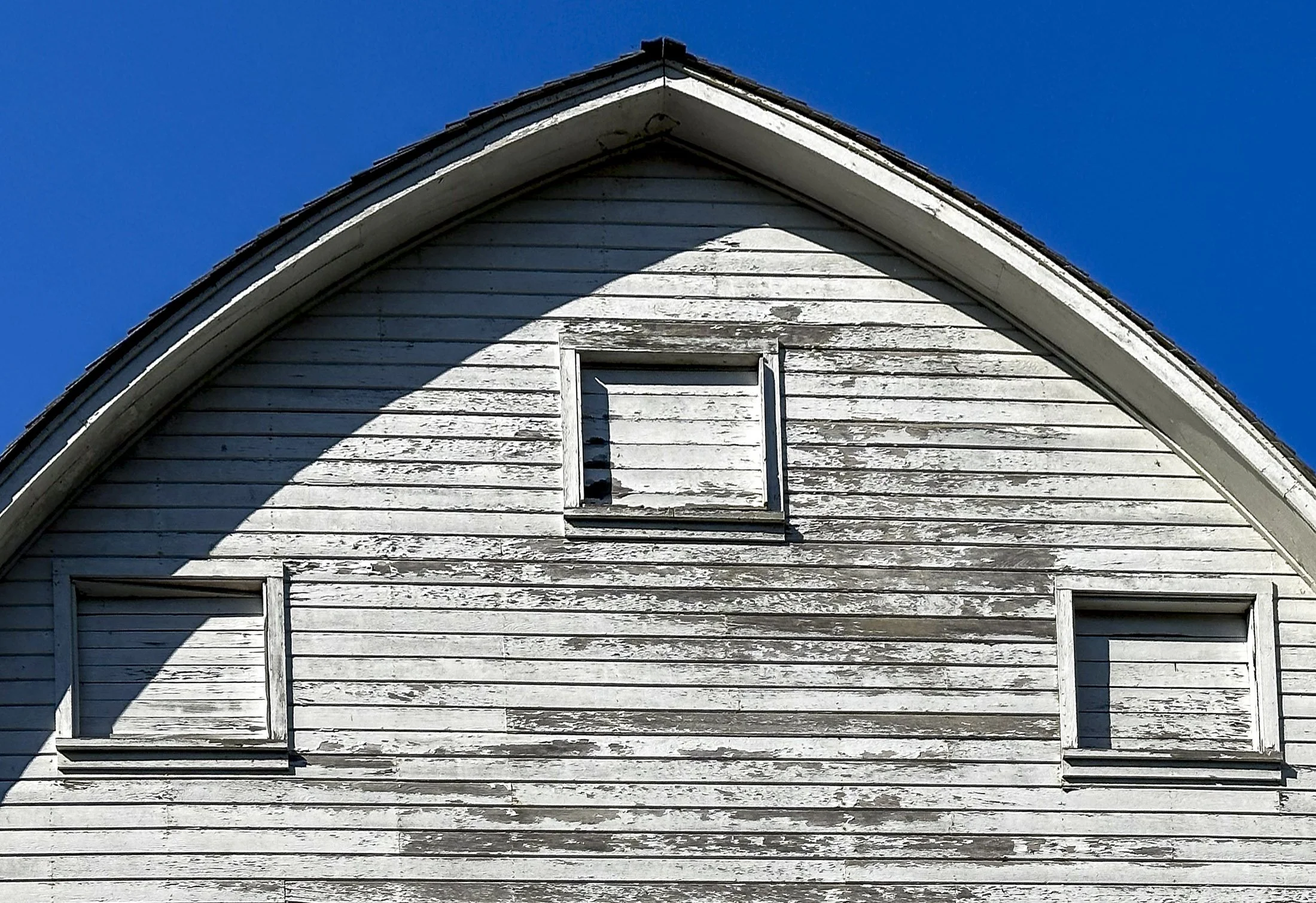

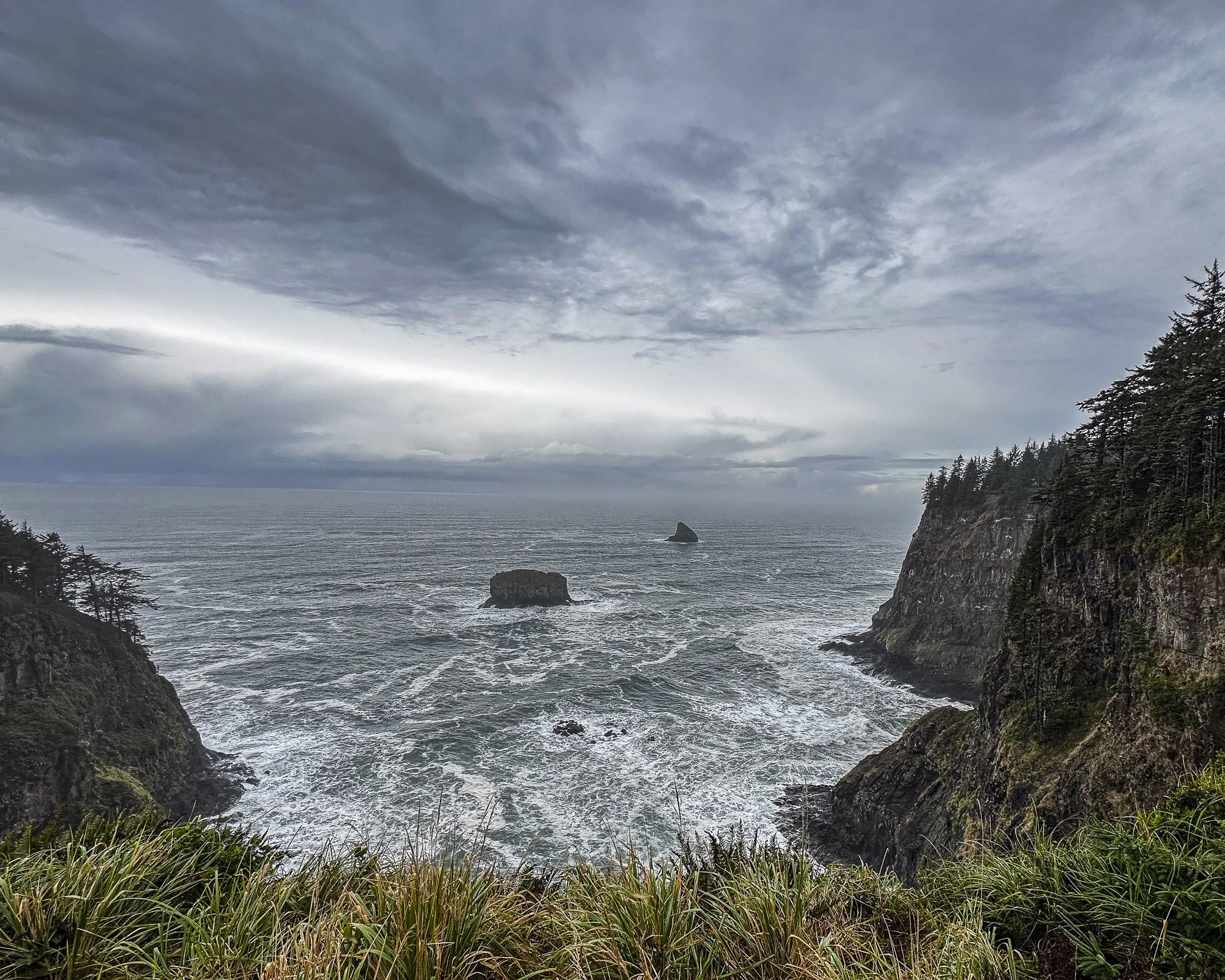
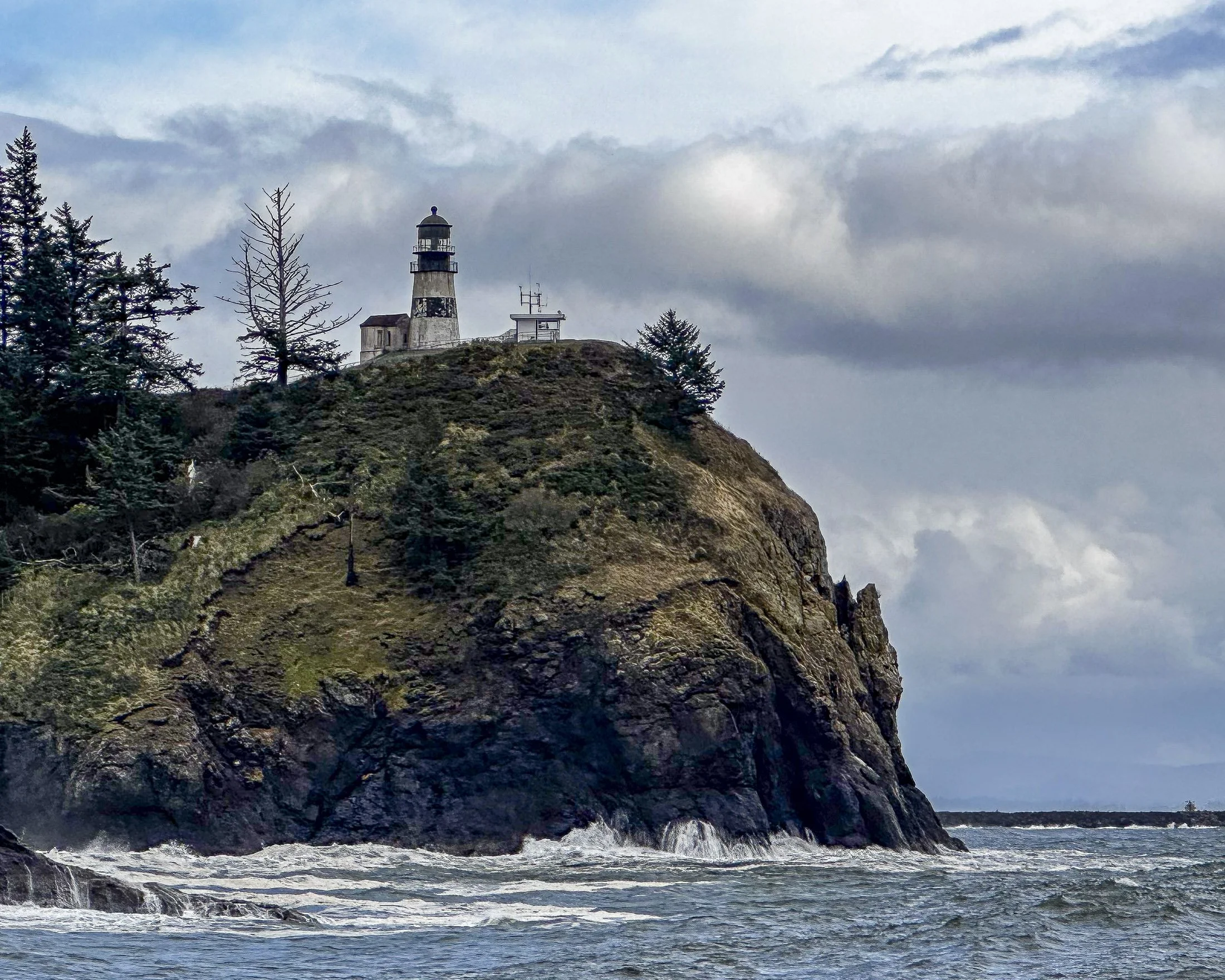


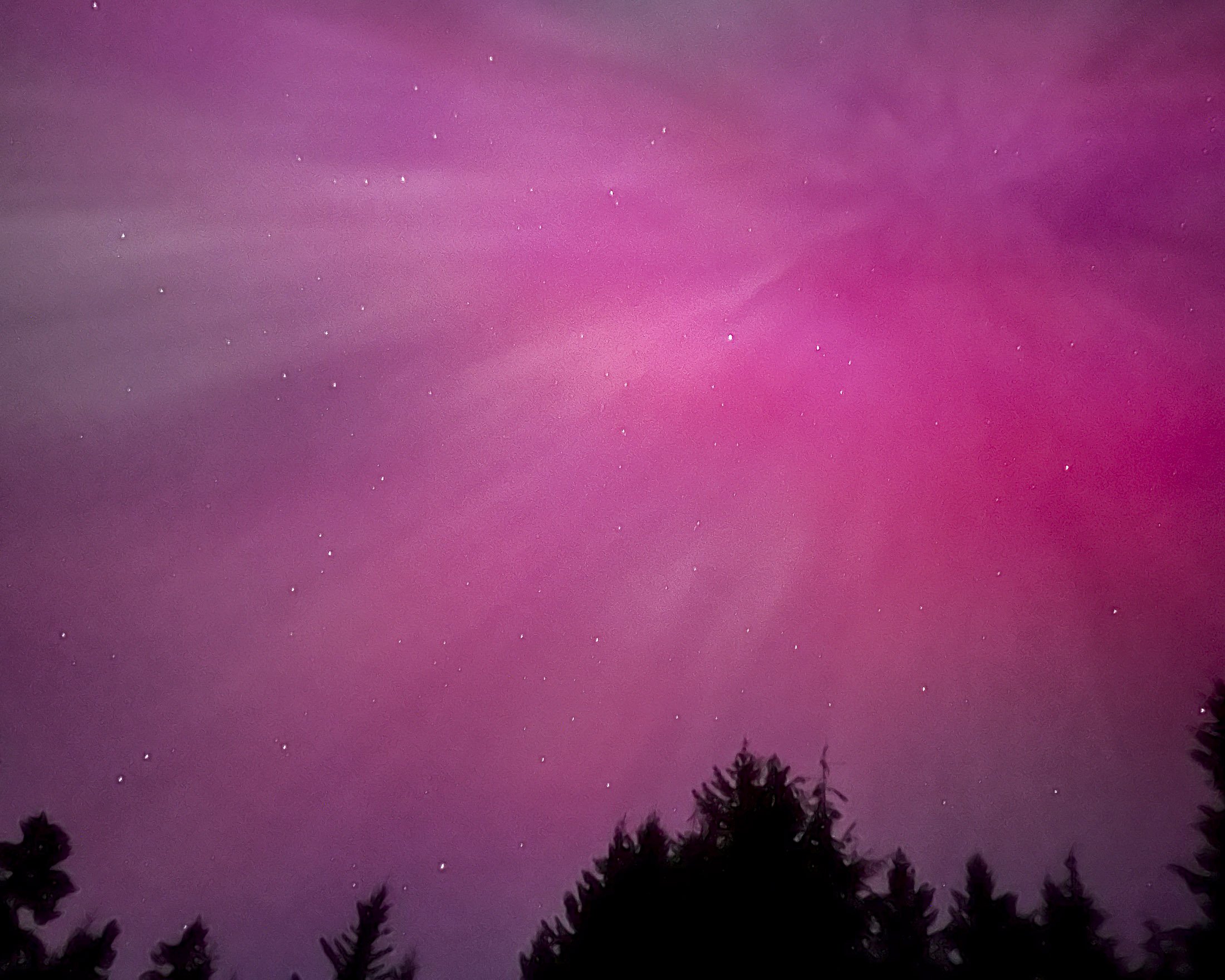
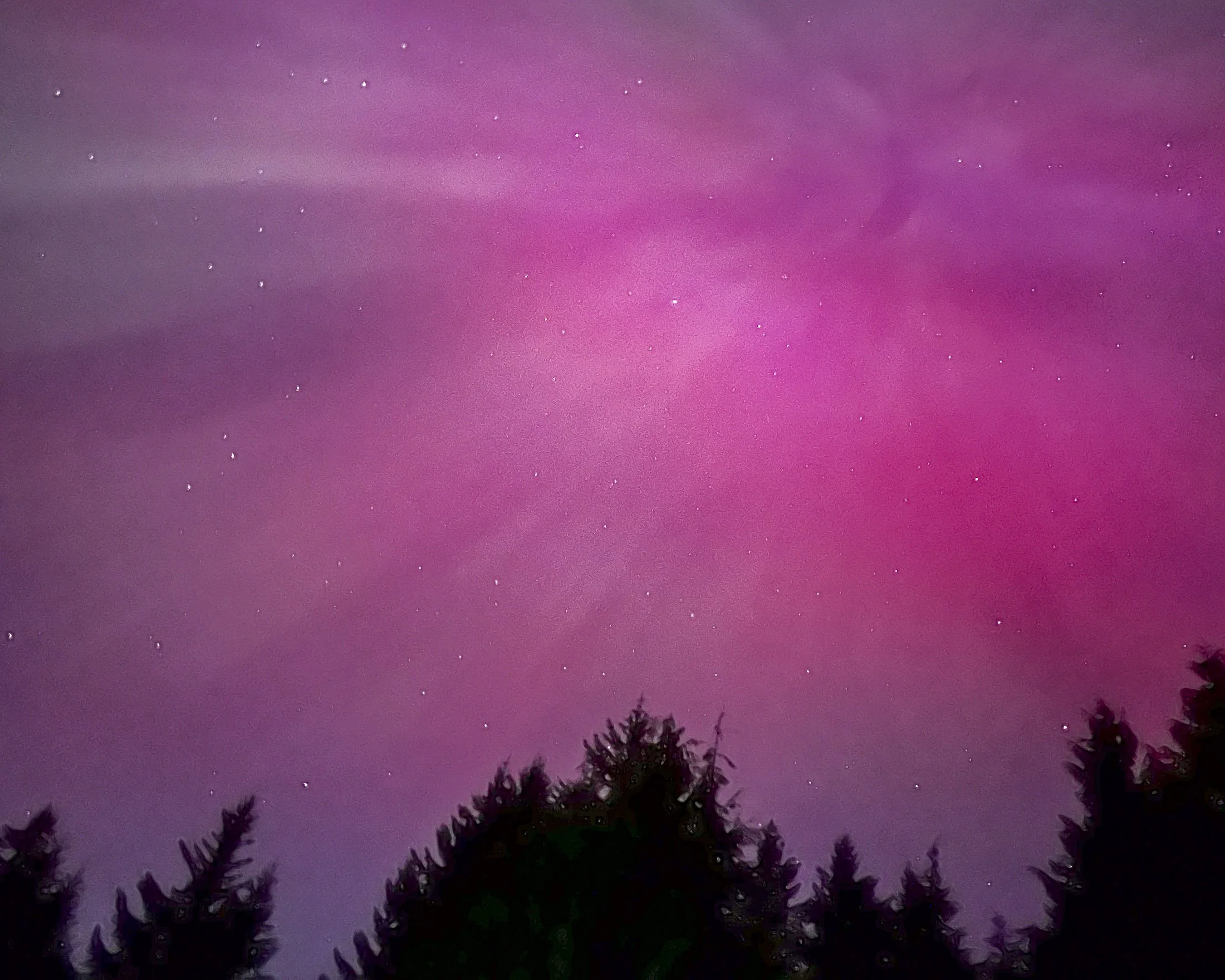
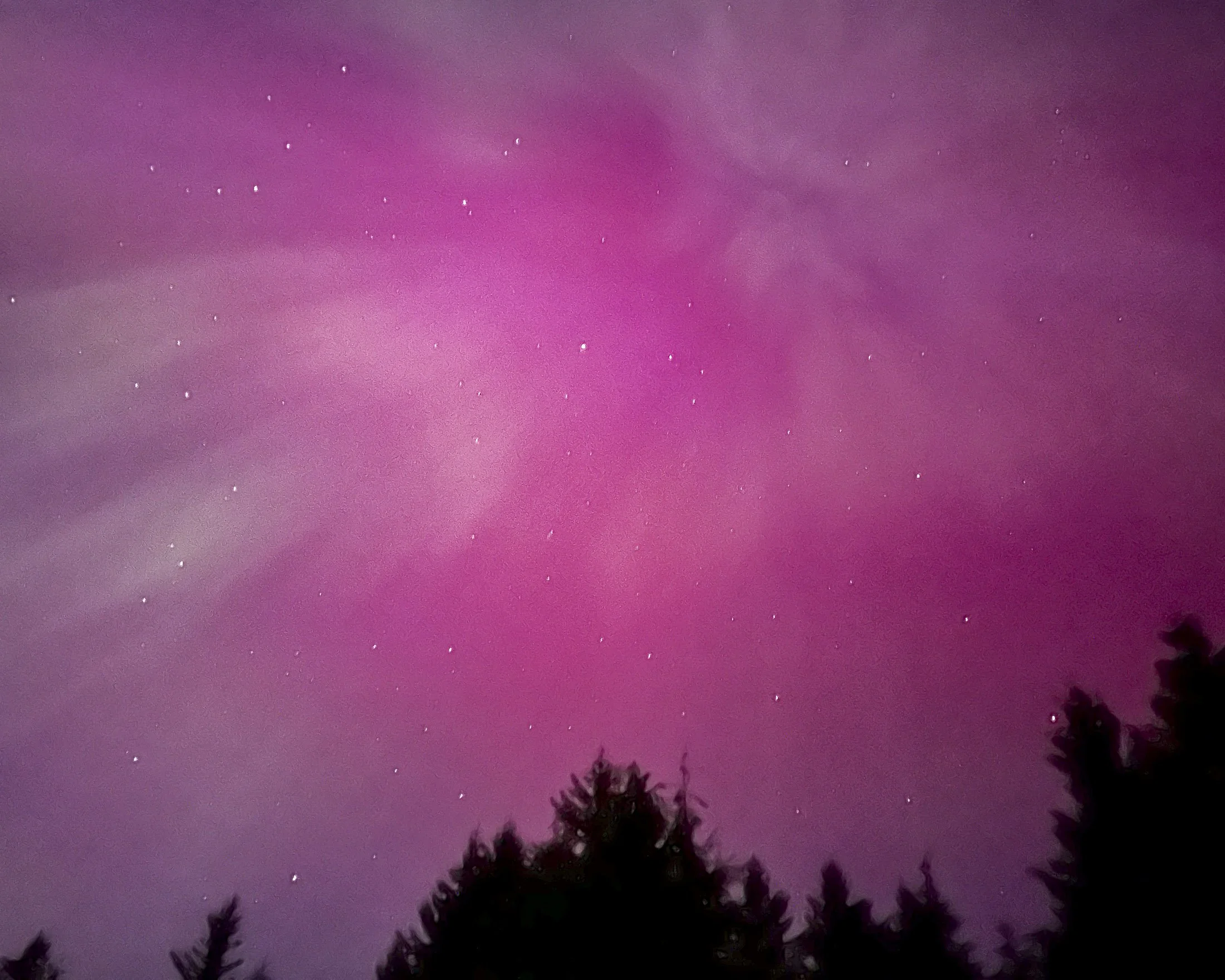
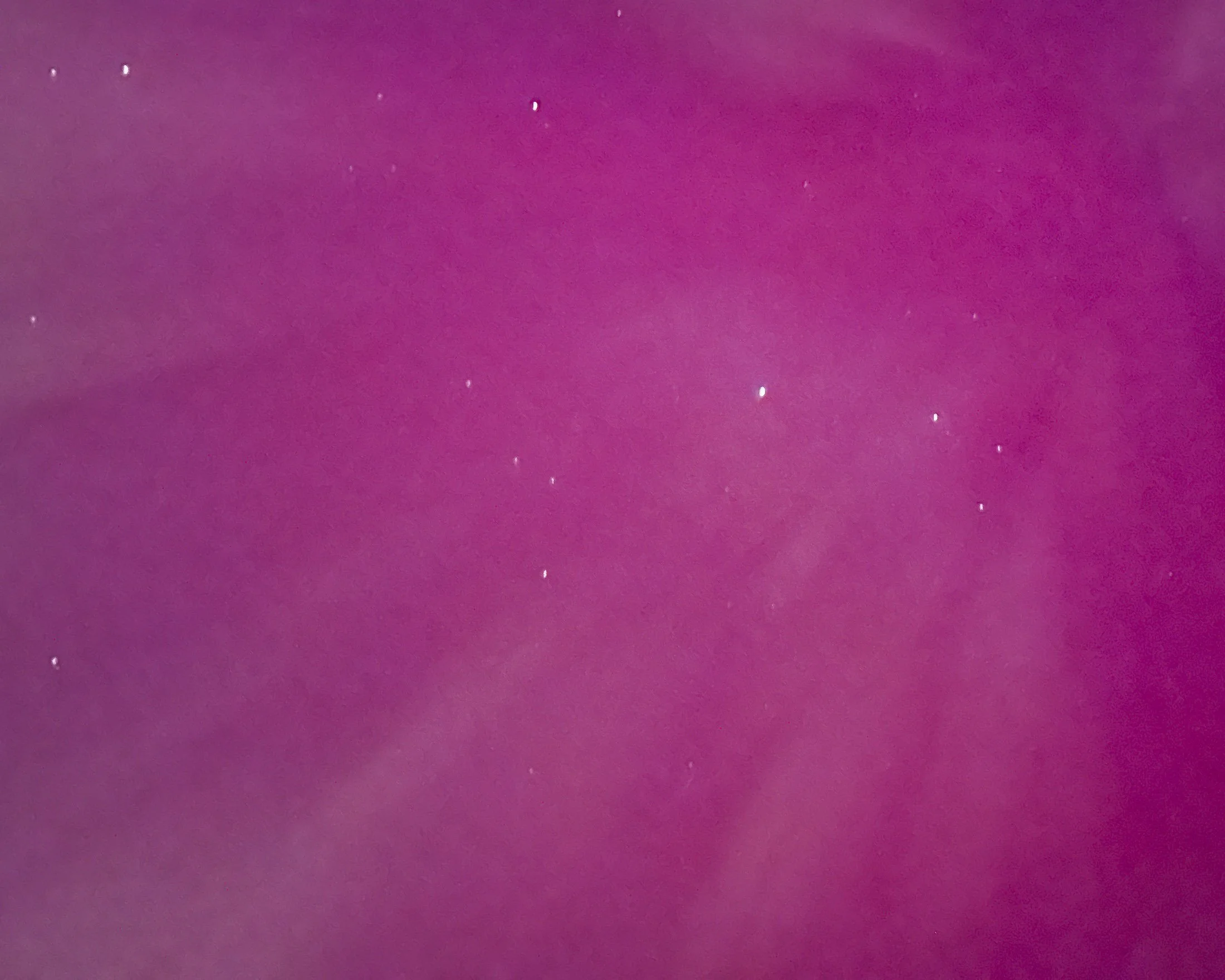
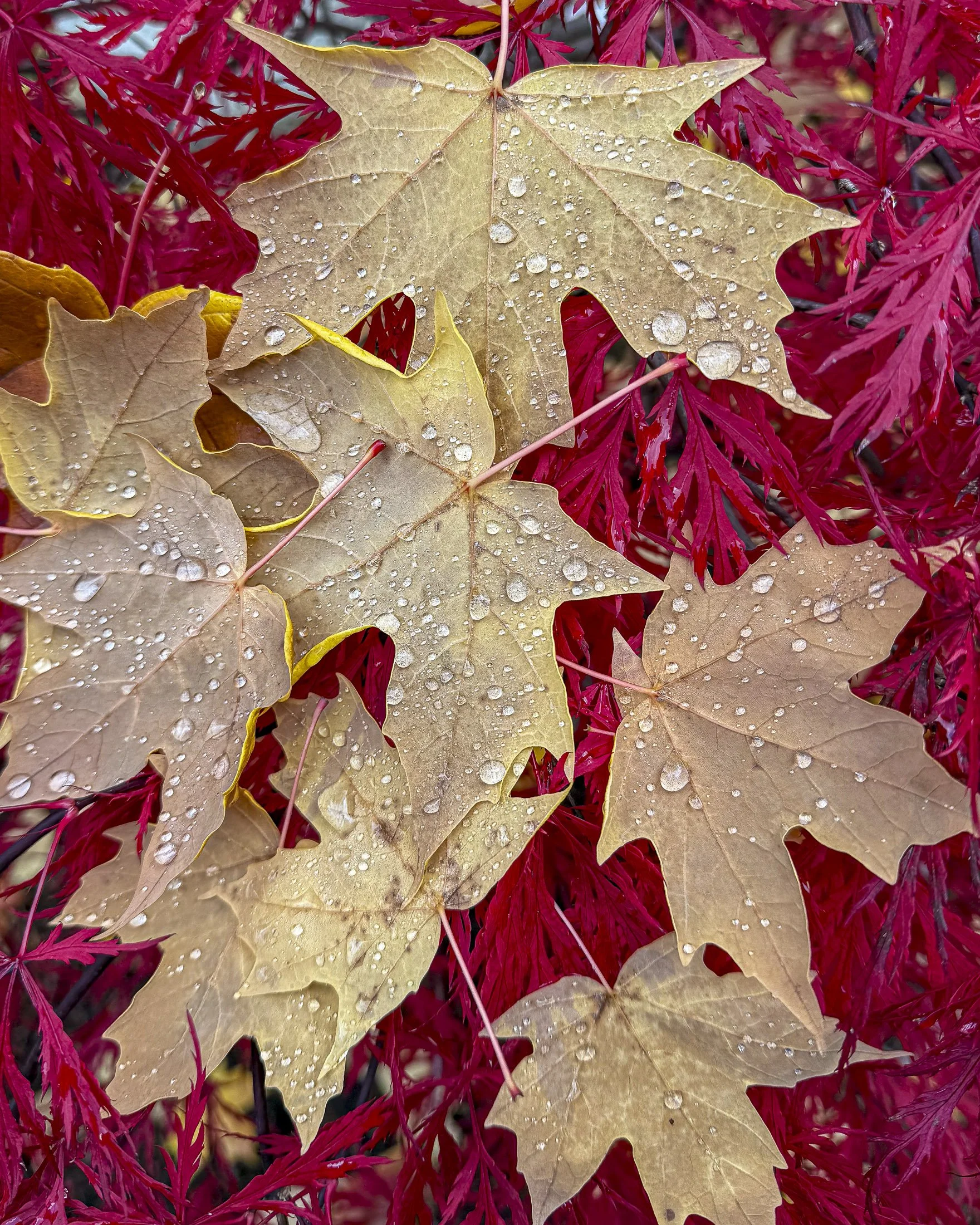
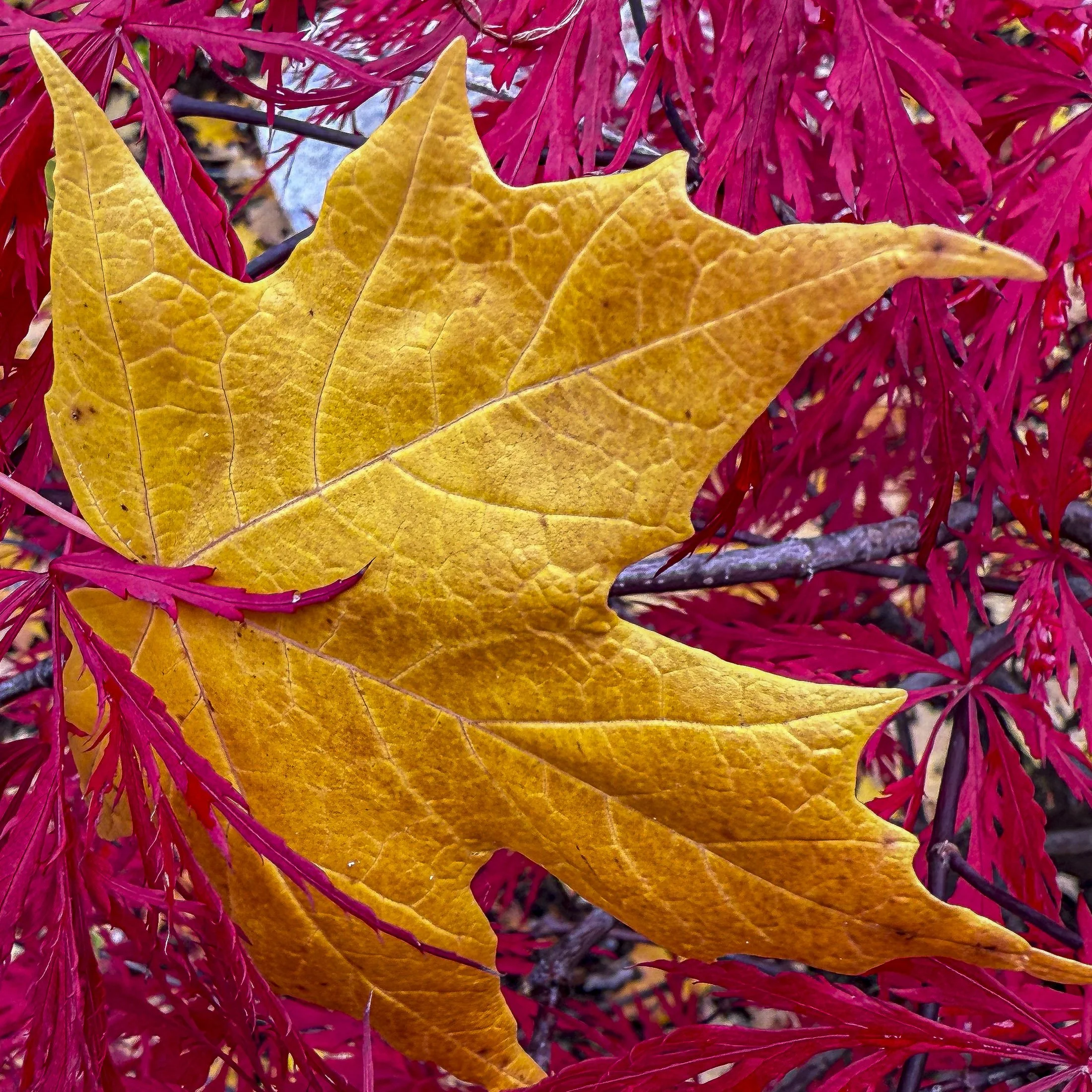
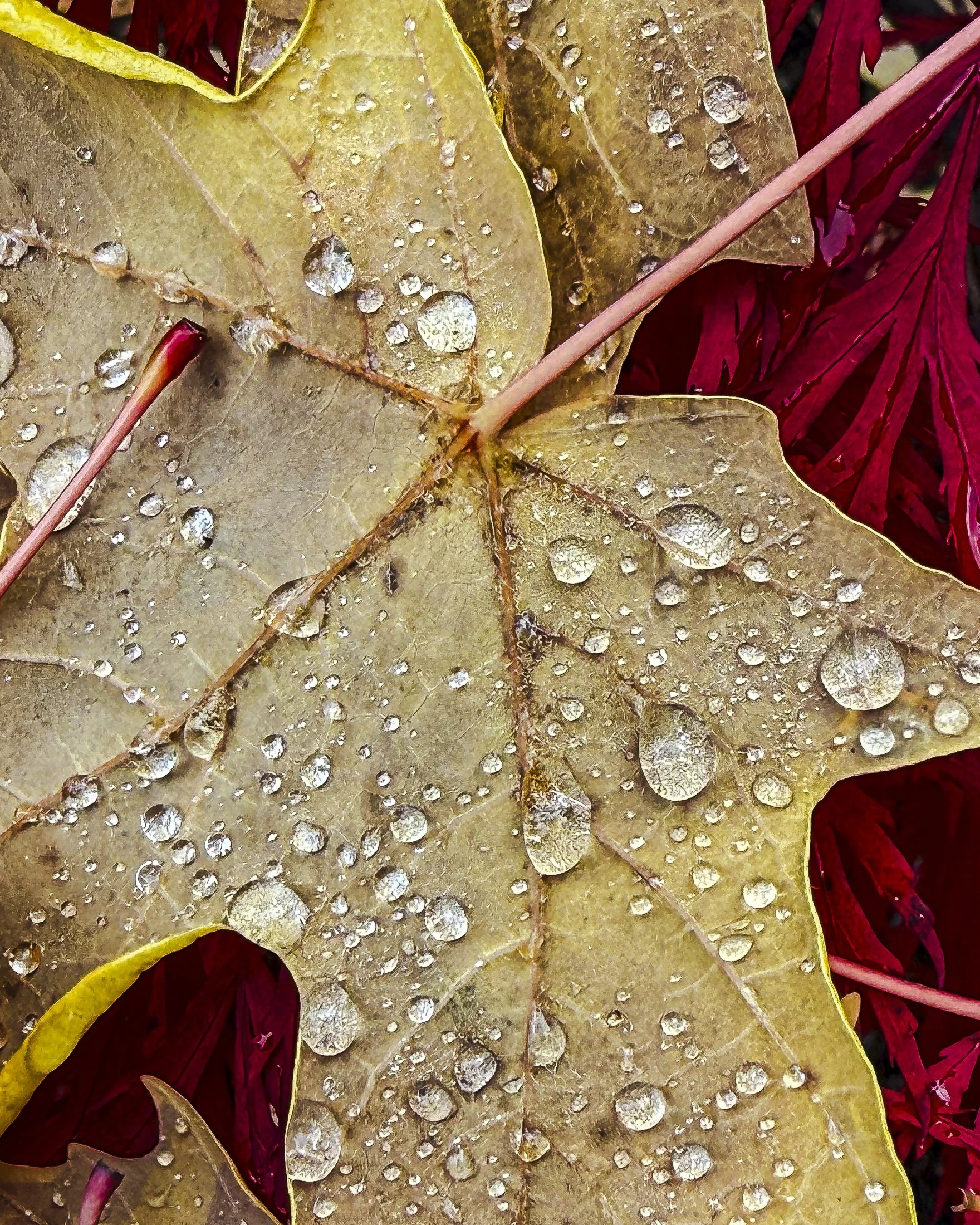
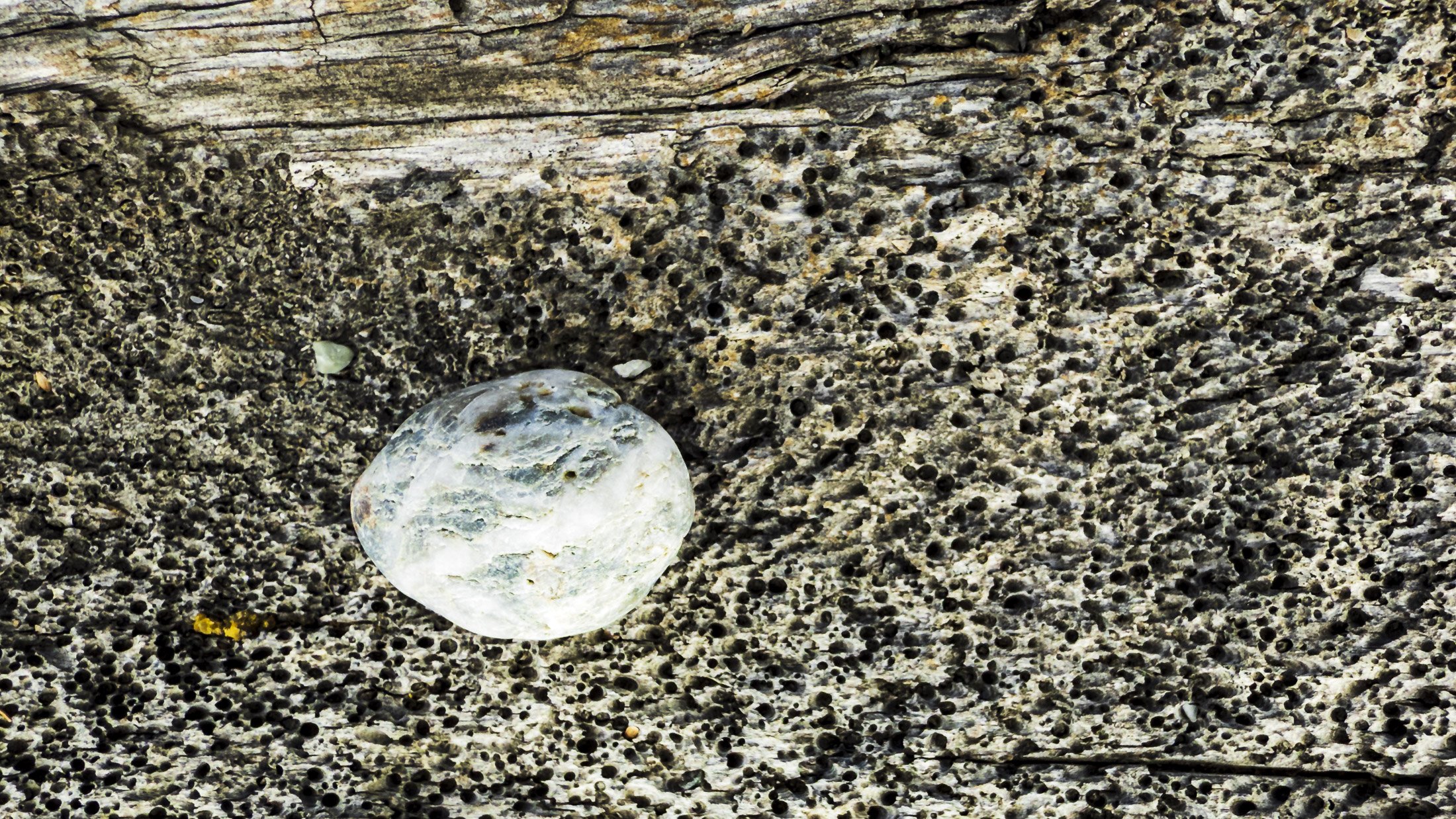
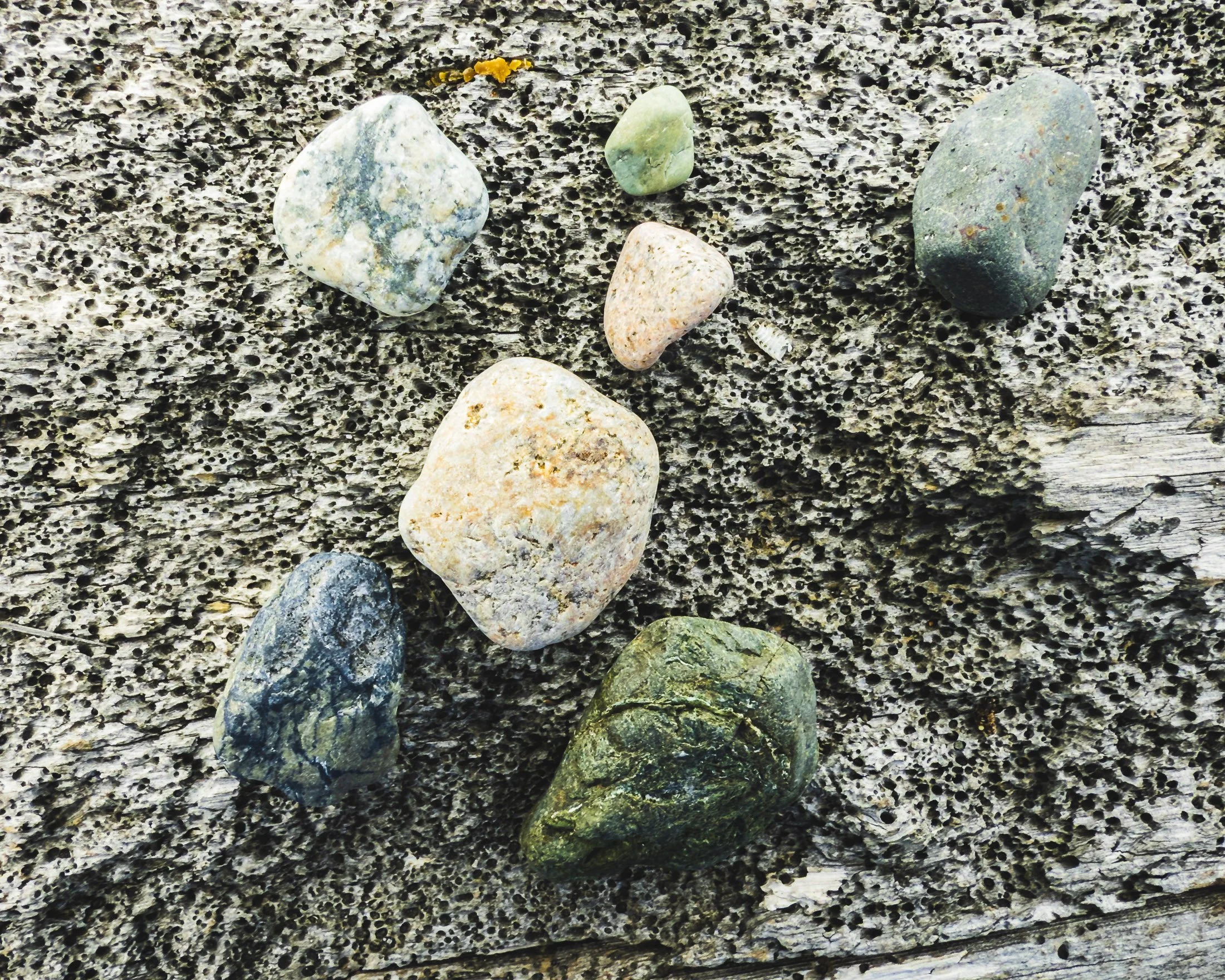
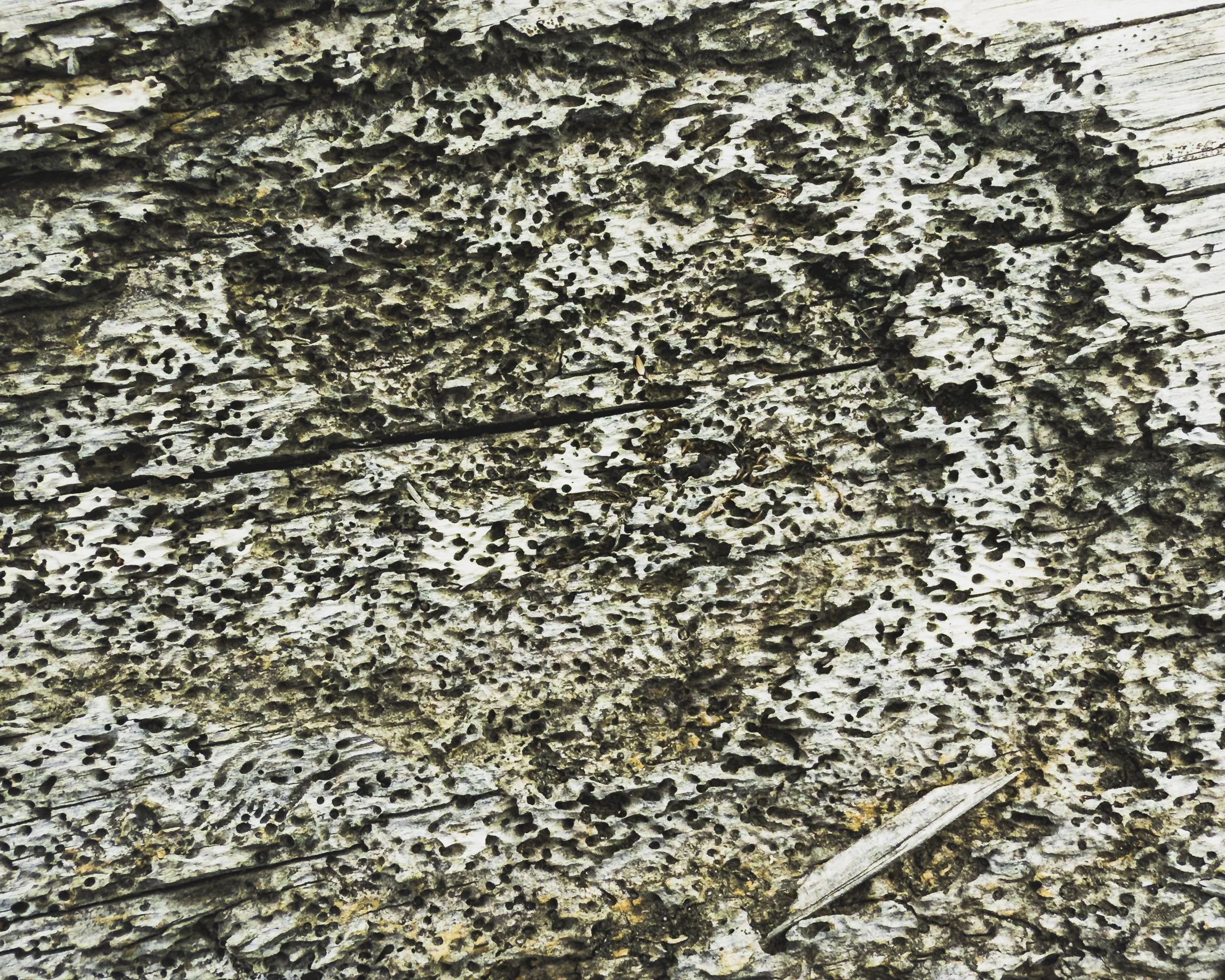
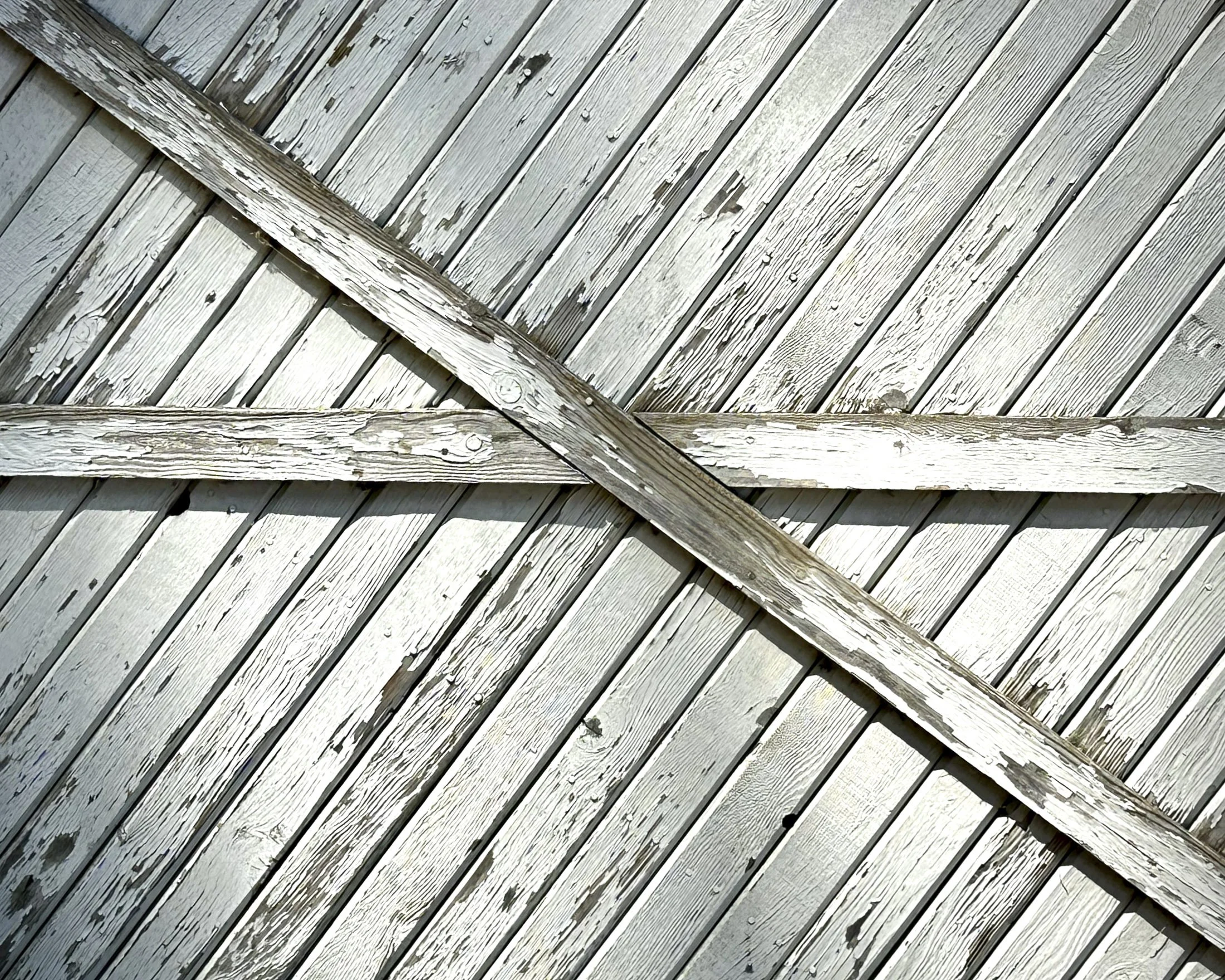
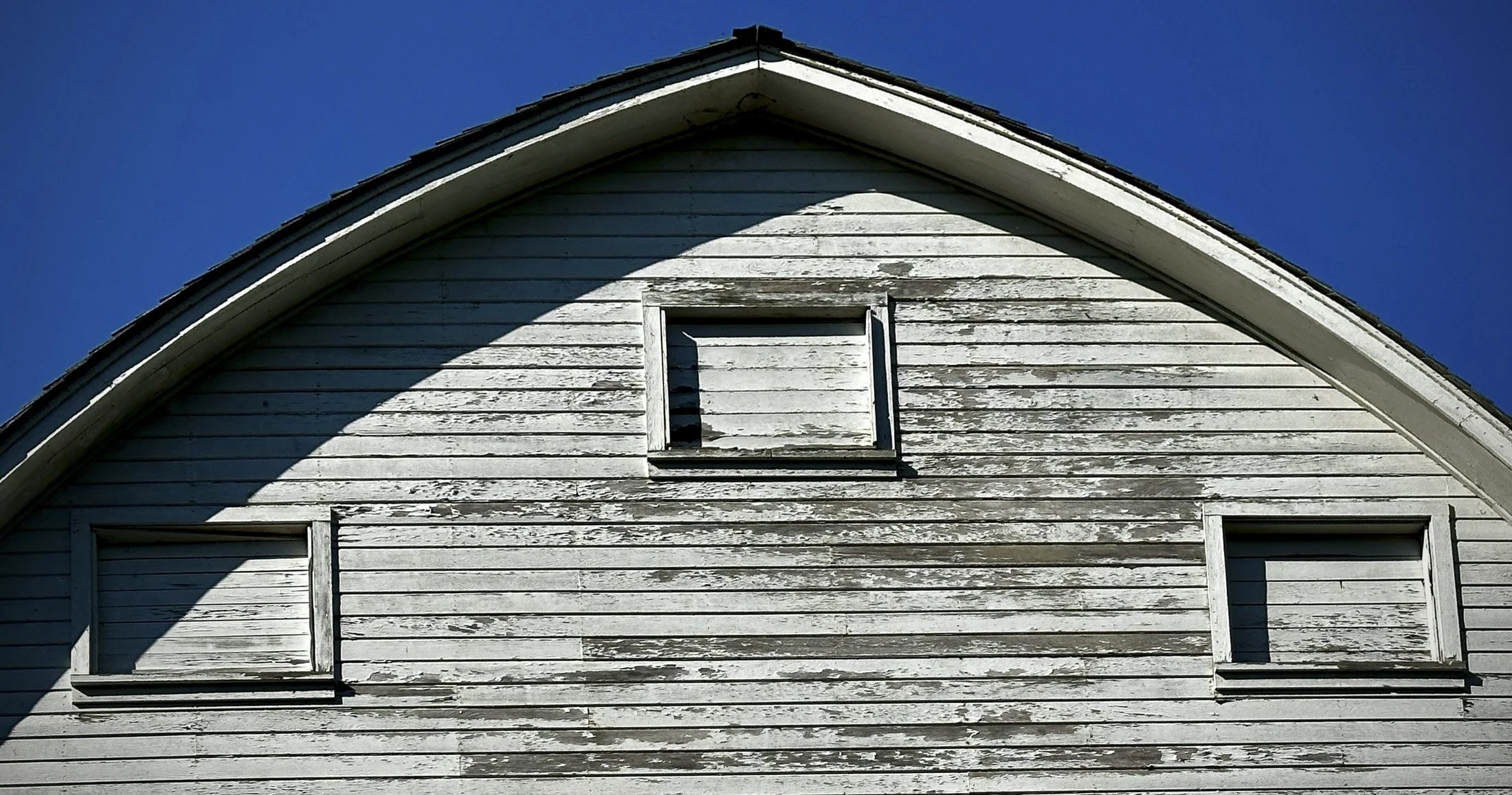

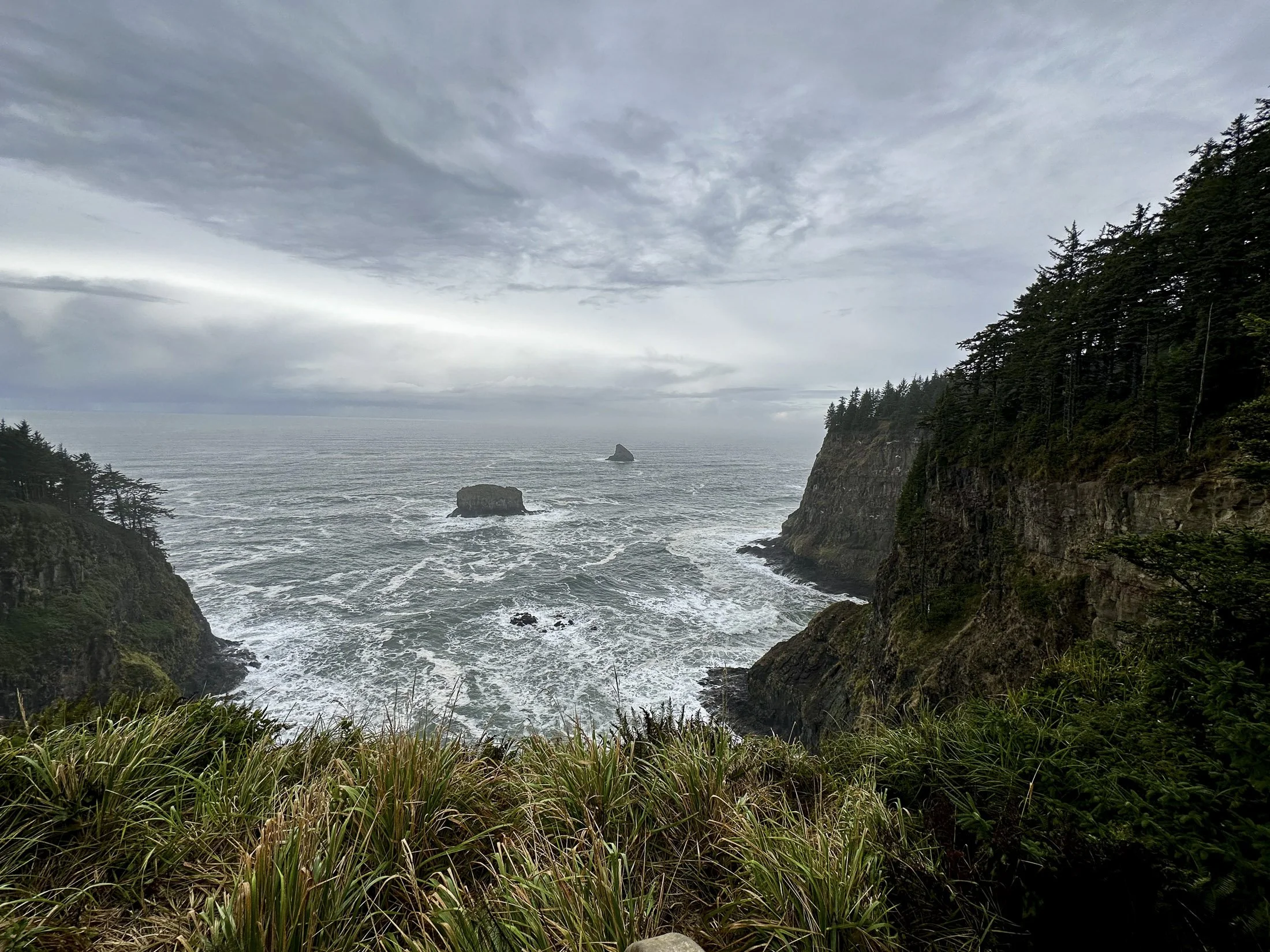
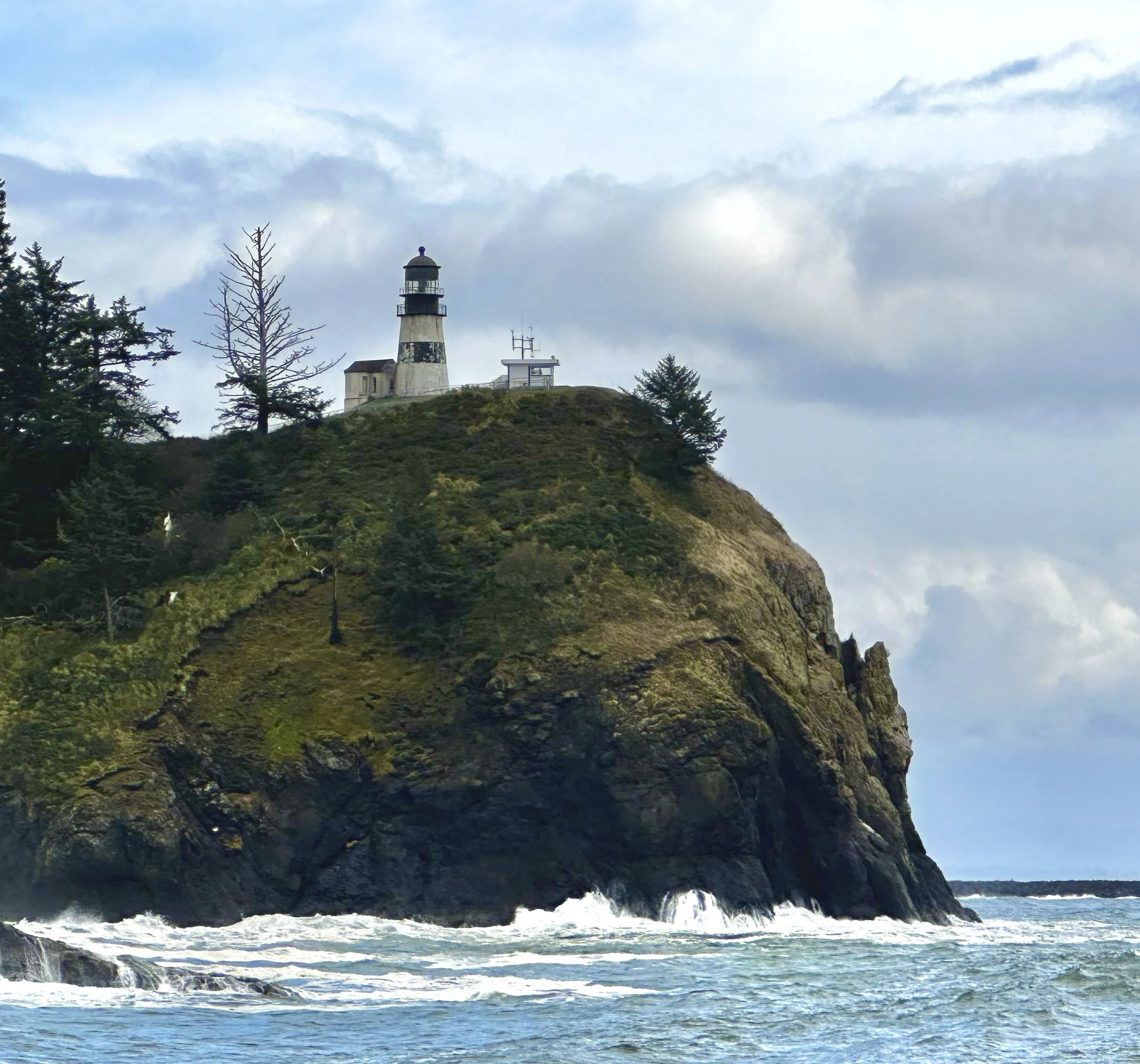


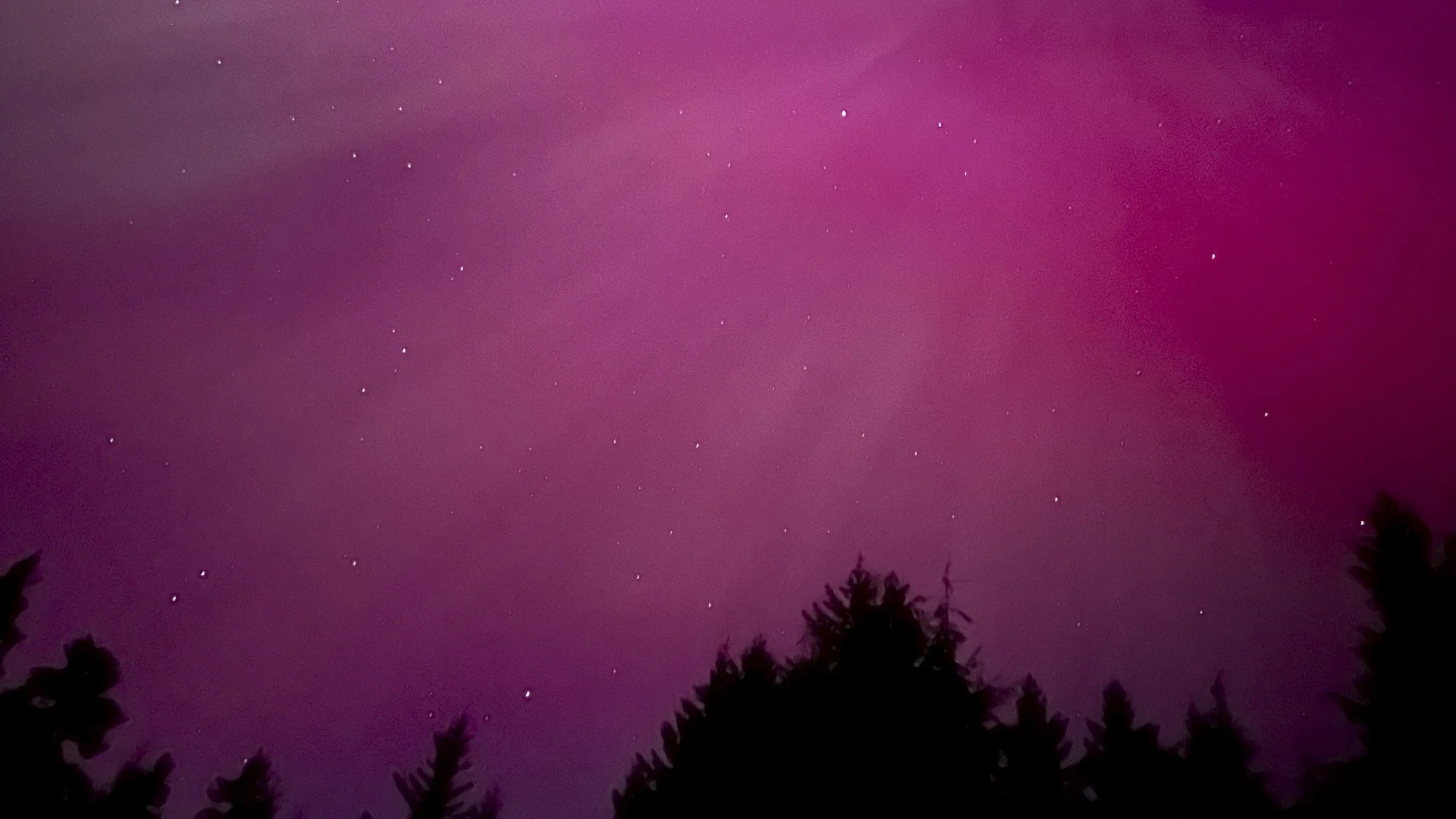
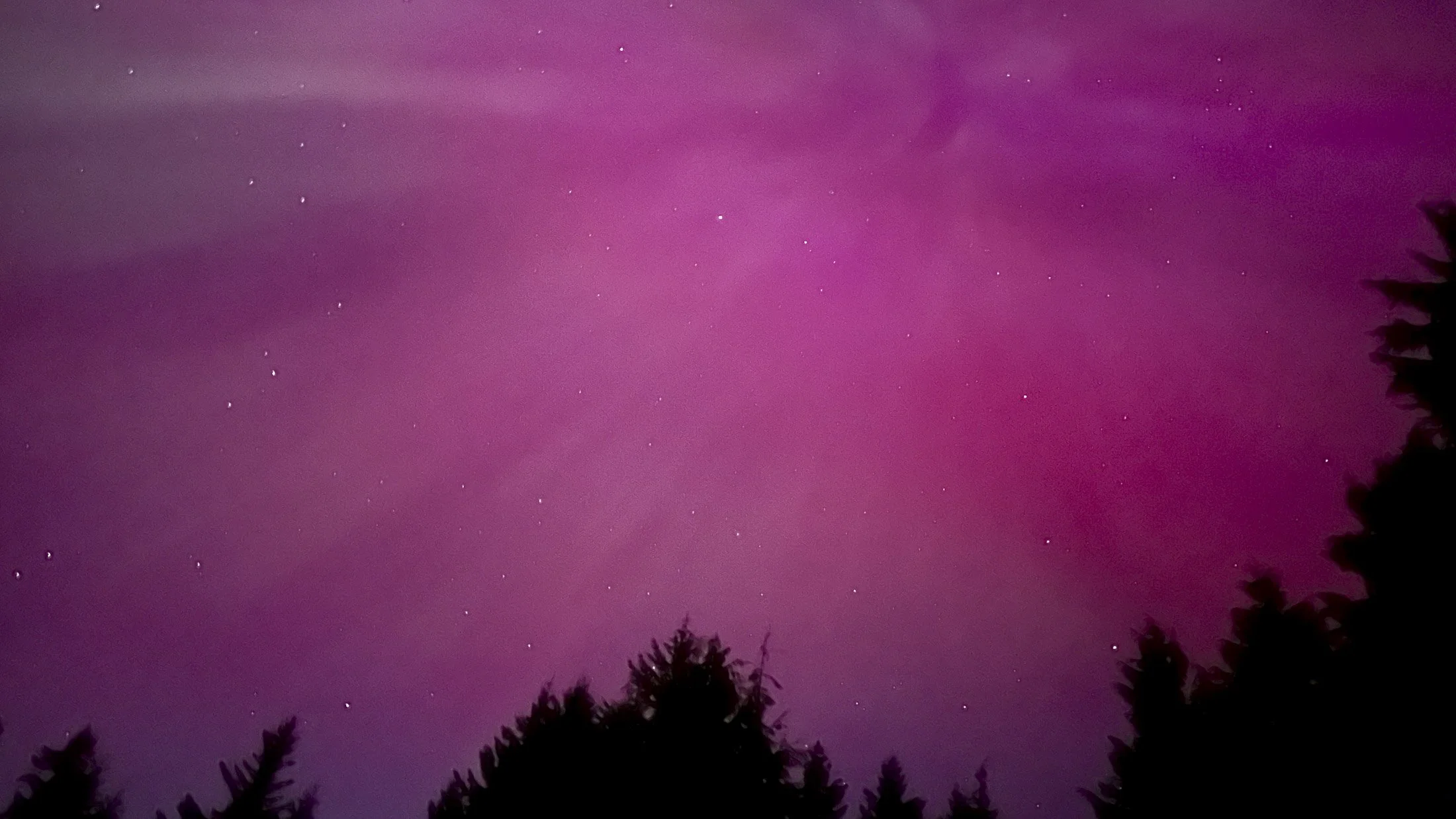
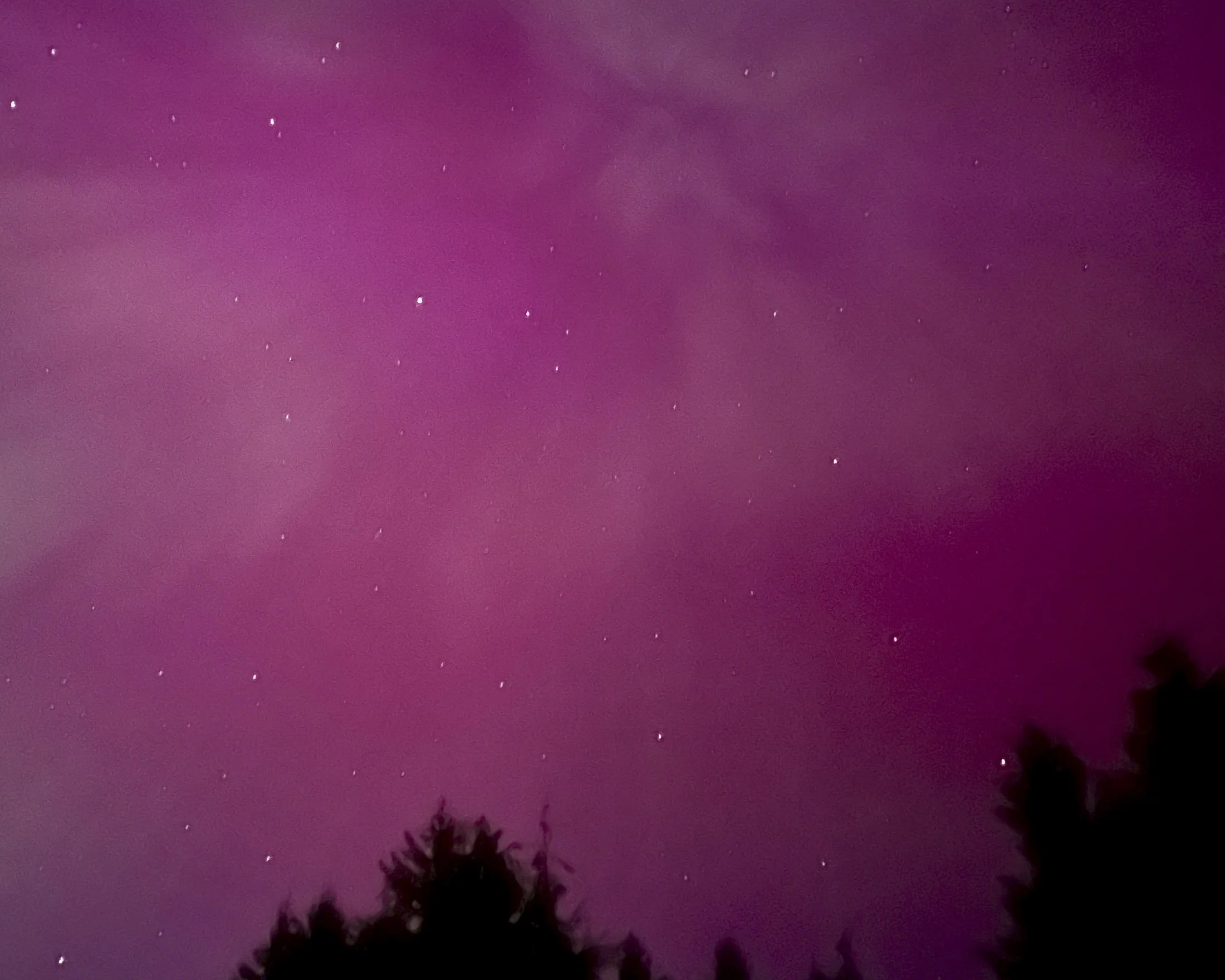
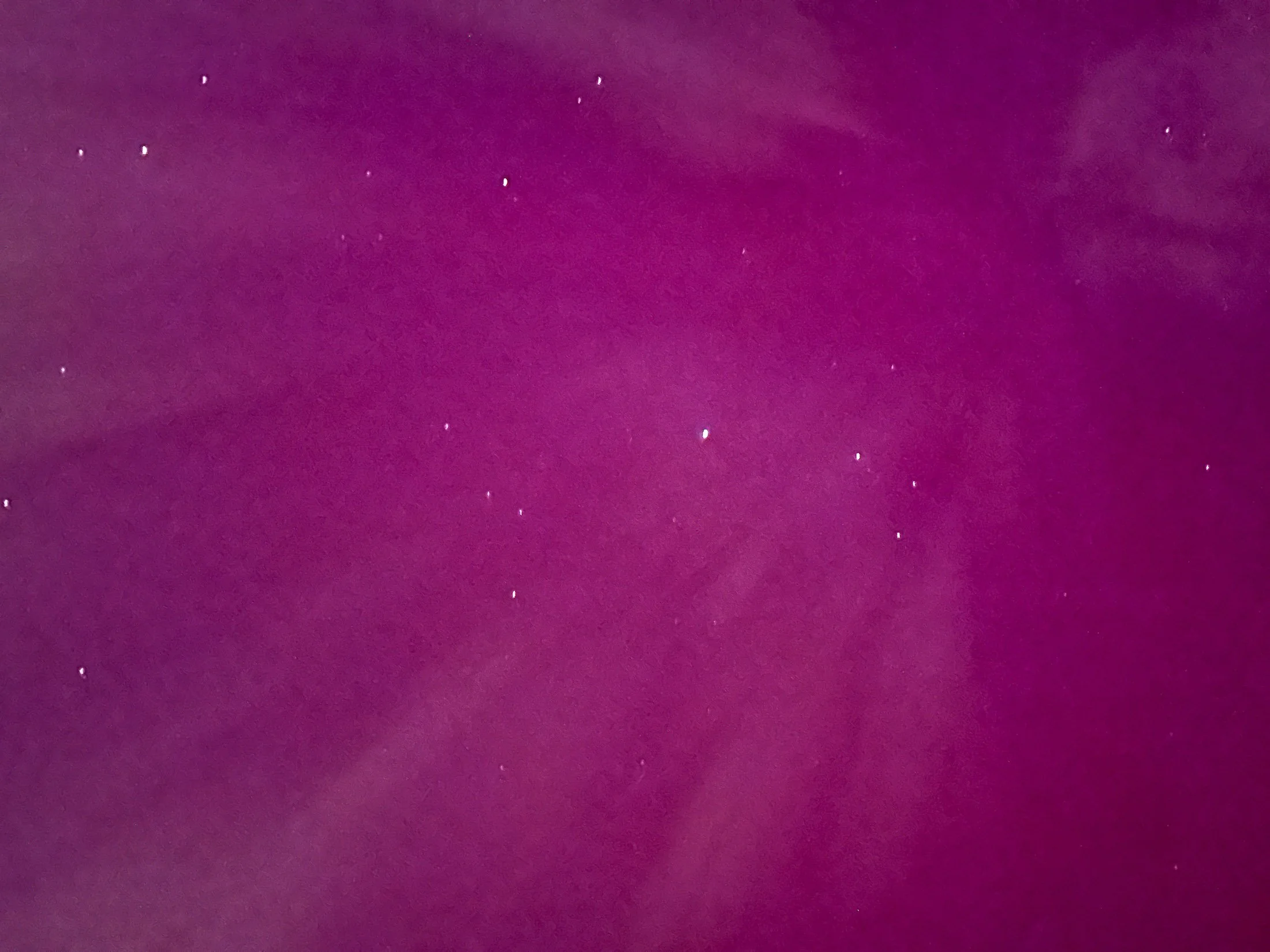
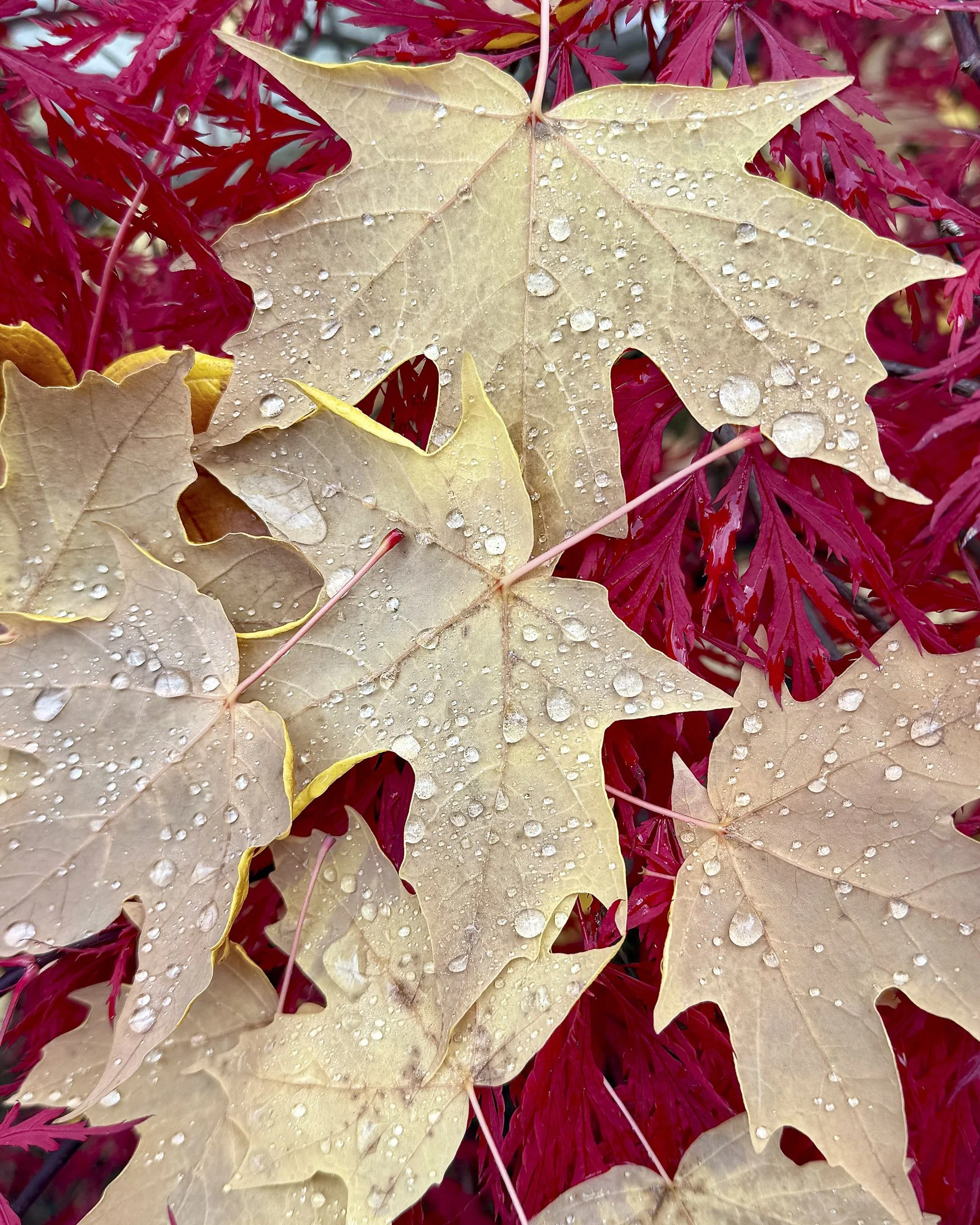
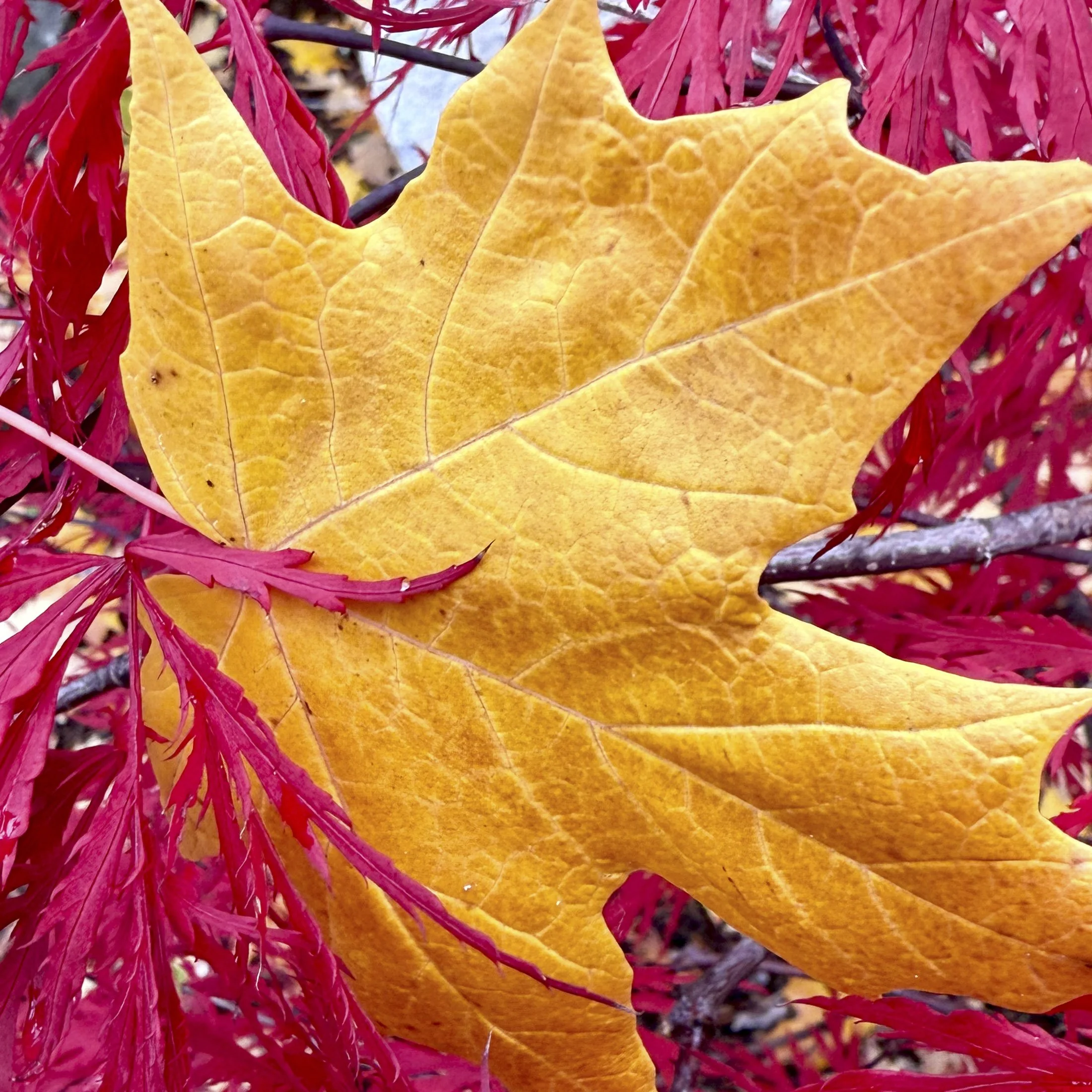
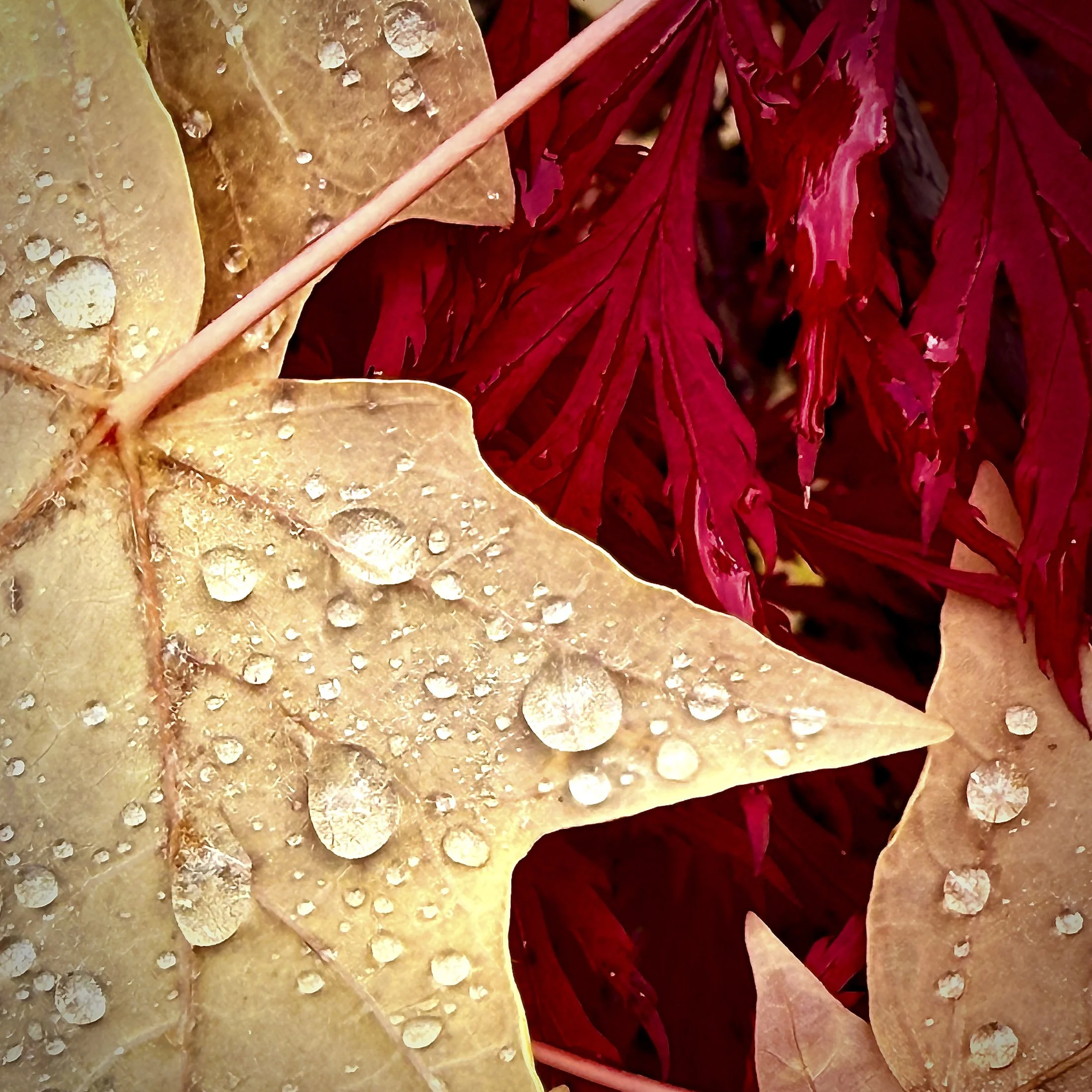
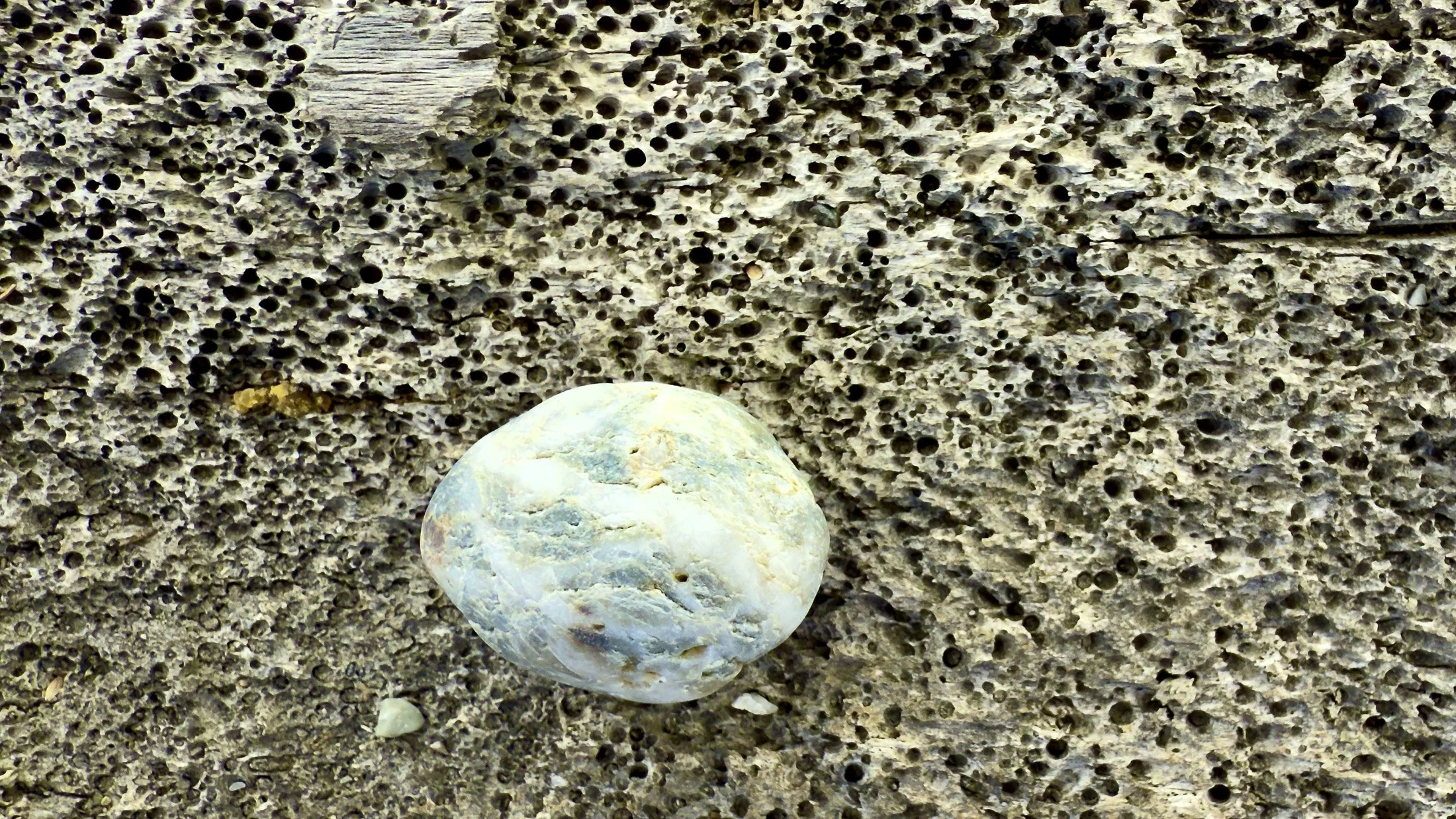
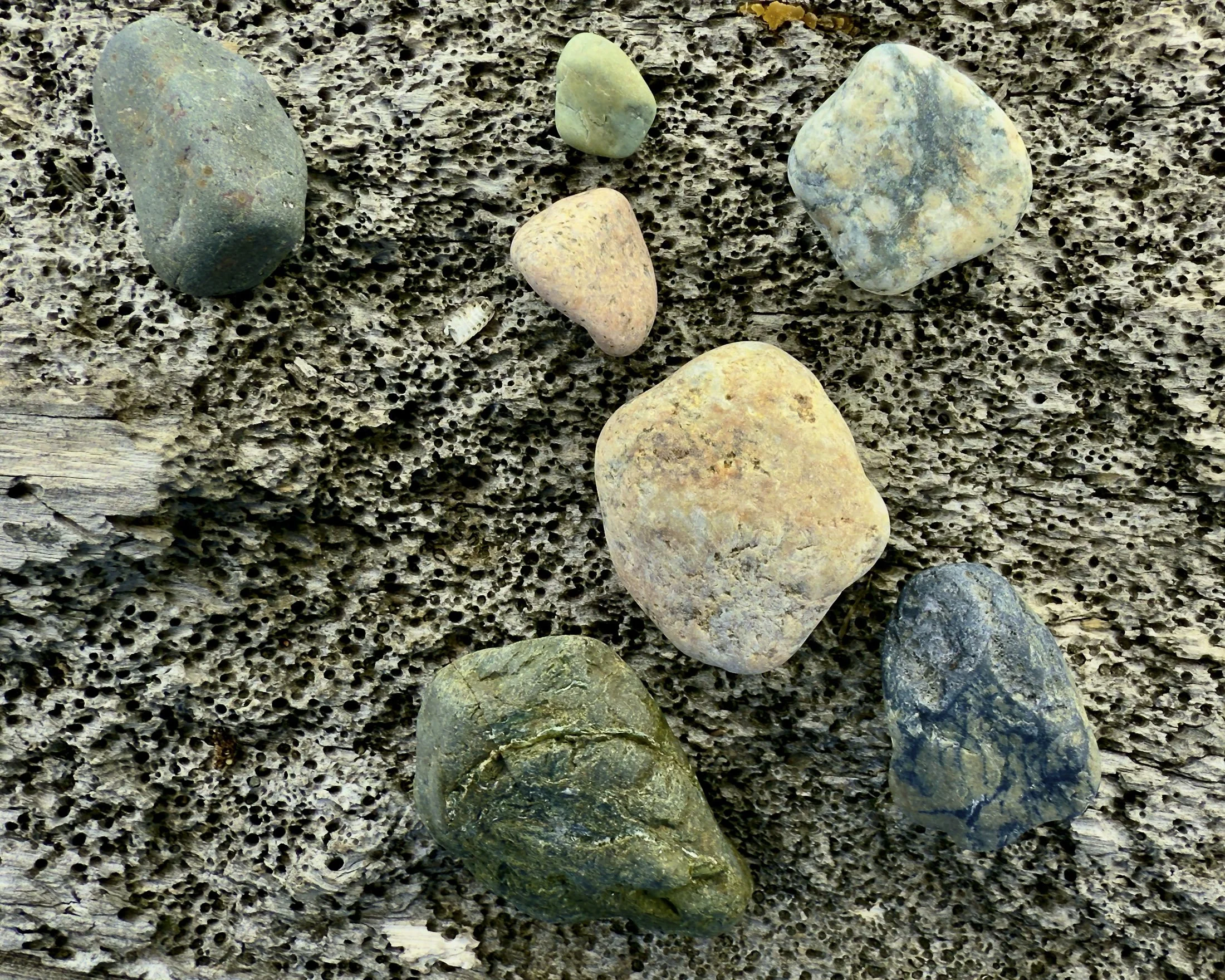
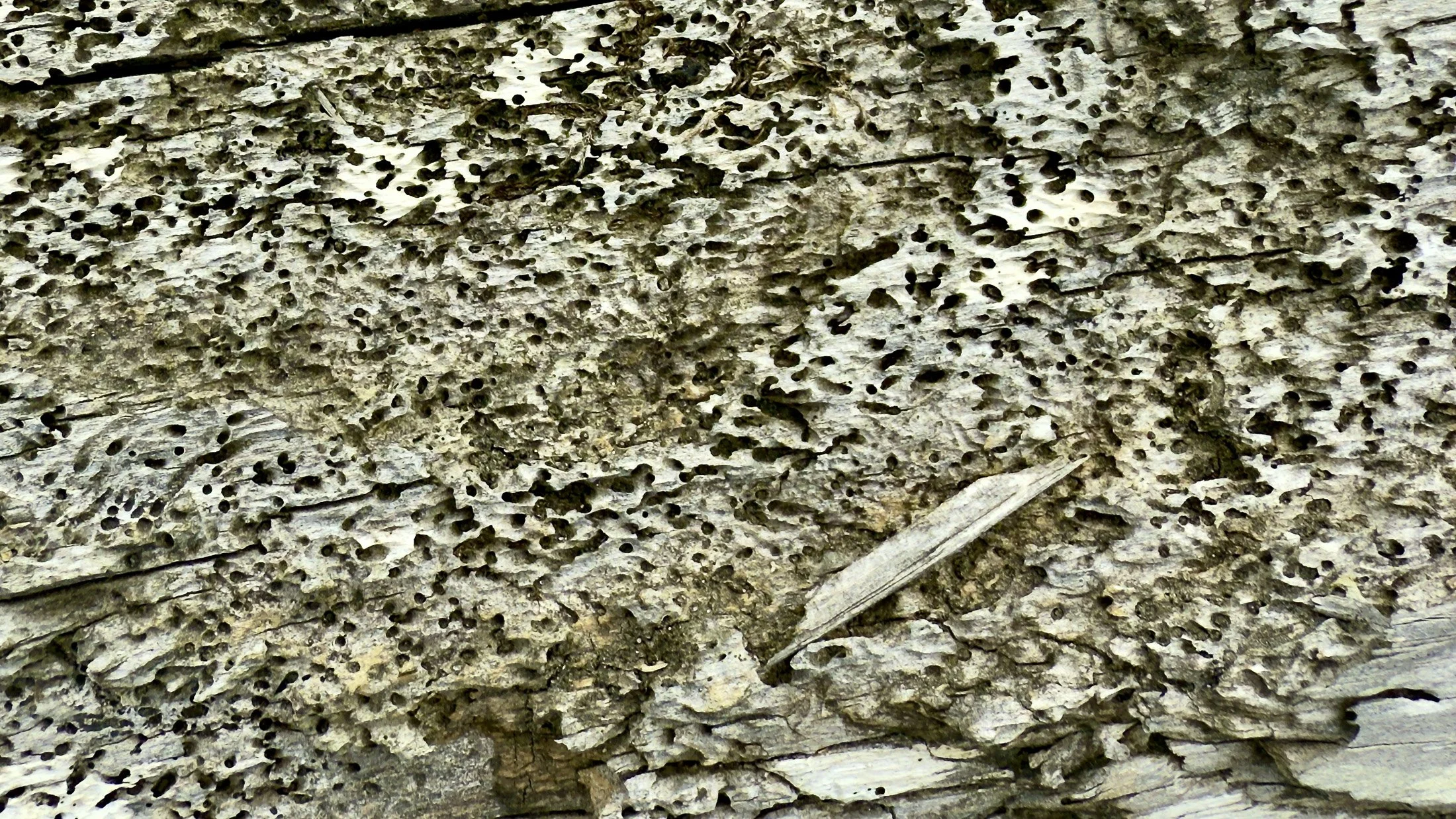
-
The Lightroom images on the left, the Apple Photos images on the right.
My take: I’m quite happy with both versions. I’m a bit surprised that if I didn’t know which set was which I’m not sure I could tell could identify them. In other words, I can get equally good results in both apps.
So based on this, my choice will be to transfer the RAW/HEIC files to Lightroom and then process them there. This is for a couple of reasons: First, I can process them like I do all my other images, including using masks and other Lightroom features, which keeps my processing workflow less complicated.
Another reason, though, is that if I ever want to re-process an image, I can do it directly in Lightroom, rather than having to go back to Photos, do the processing and then re-transfer the updated image. That seems not only more complicated, but likely to cause confusion on what the most-recent version of the image is in both catalogs.
So for me the answer is to move everything to Lightroom and treat them the way I do all my other images. I feel confident I’ll get great images that way, but also, it minimizes friction in accomplishing this, and limits the complexity that allows errors and confusion to creep in over time.
Which makes me happy.
So, did you guess right? What are your thoughts on how each app processed these shots?